
§00 / Article / field note
Automating Your DevOps Pipeline with AI: A Practical Guide
AI can do more than write code — it can optimize your entire deployment pipeline. Here's a practical guide to AI-powered DevOps automation.
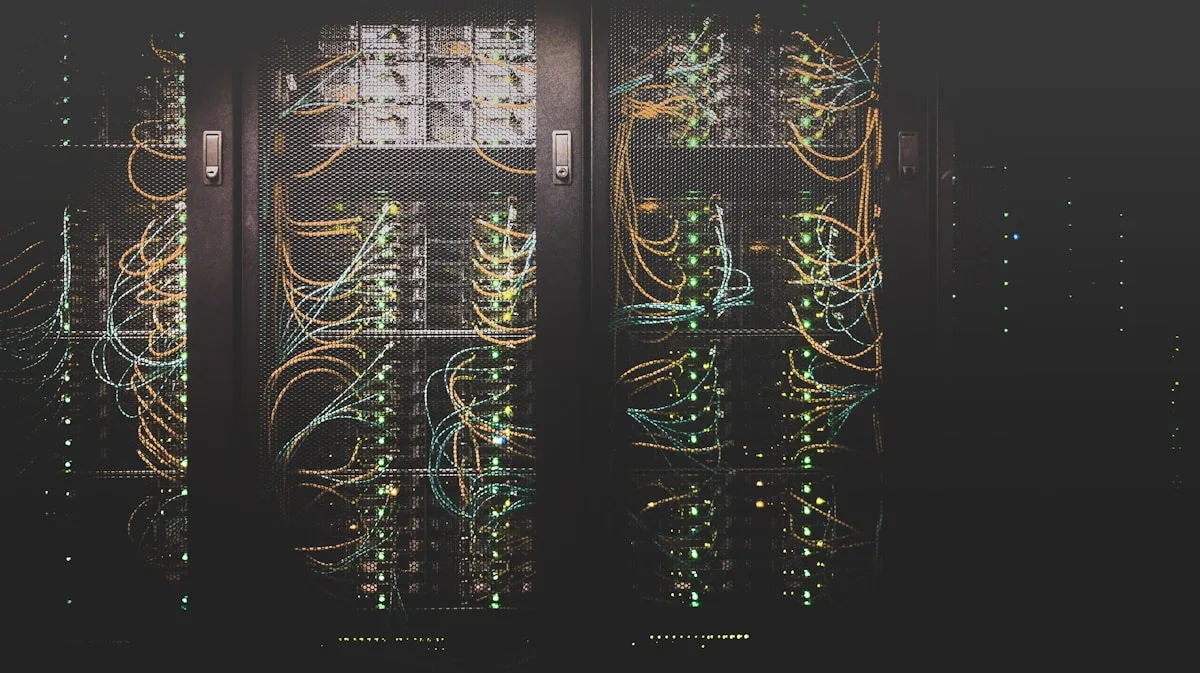
Most DevOps teams are already using automation — CI/CD pipelines, infrastructure as code, automated testing. But there’s a gap between “automated” and “intelligent.” Automation executes predefined steps. Intelligence adapts, learns, and makes decisions. AI fills that gap, and the teams adopting it first are seeing dramatic improvements in speed, reliability, and cost.
Where AI Adds Value in DevOps
Intelligent Test Selection
Instead of running your full test suite on every commit, ML models can predict which tests are most likely to fail based on the changed files, the author’s history, and similar past changes. We’ve seen teams cut CI time by 40-60% without sacrificing coverage.
The model learns which files tend to break which tests, which authors are more likely to introduce certain types of bugs, and which refactors are low-risk. Over time, it gets better than any manual heuristic.
How to implement: start by logging which tests fail for which commits. After a few weeks of data, train a simple gradient boosting model. Your baseline hit rate from running all tests is 100% — aim for a model that catches 95%+ of failures while running only 30-40% of tests.
Anomaly Detection in Deployments
Traditional monitoring waits for thresholds to be crossed. You set CPU > 80% or error rate > 1%, and you get paged. The problem: real incidents often involve patterns that don’t cross any single threshold. Memory leaks are slow. Cascading failures are subtle. Performance degradations happen at odd times.
AI-powered monitoring learns normal behavior patterns for each service and alerts on statistical deviations. A memory leak that would take hours to cross a threshold gets flagged in minutes when the growth rate is unusual. A sudden 200ms increase in p99 latency — still within normal range — triggers investigation because it’s correlated with a recent deploy.
Predictive Scaling
Instead of reactive auto-scaling based on current load, predictive models can anticipate traffic patterns and pre-scale infrastructure. This reduces both response time spikes (during unexpected traffic surges) and infrastructure costs (during predictable quiet periods).
Models learn your traffic patterns: weekday vs weekend, time-of-day curves, end-of-month processing spikes, marketing campaign effects. They pre-warm capacity 15 minutes before you need it and scale down aggressively when patterns indicate a quiet period.
Smart Rollback Decisions
AI can analyze deployment metrics in real-time and automatically trigger rollbacks when it detects anomalous behavior — faster and more reliably than human operators monitoring dashboards. The key is training the model on what a bad deployment looks like, including early warning signs that humans often miss.
A deployment that starts seeing a 10% increase in p95 latency, a 2% increase in error rate, AND an unusual pattern in database query timing gets rolled back before any alert fires. Humans can always override, but the default is safe.
Getting Started
You don’t need to build everything from scratch. Start with one high-impact area and prove ROI before expanding:
- Test optimization — Analyze your test history to identify slow, flaky, or redundant tests. This is often the lowest-hanging fruit and has immediate payoff
- Log analysis — Use ML to cluster and prioritize log entries instead of manual grep sessions during incidents
- Deployment confidence scoring — Build a model that scores each deployment’s risk based on change size, affected services, author history, and historical failure rates
- Alert noise reduction — Train a model on which alerts actually matter vs which are routine noise
Tools We Recommend
- GitHub Actions + custom ML models for intelligent test selection
- Prometheus + Grafana with anomaly detection via Prophet or similar
- Temporal or Airflow for orchestration with AI-decision nodes
- OpenTelemetry for consistent tracing across services (your ML models need good data)
- Custom fine-tuned LLMs for log analysis and incident summarization
- Terraform + predictive scaling scripts for infrastructure optimization
Common Pitfalls
Over-automation
Just because you can automate a decision doesn’t mean you should. Production incidents, deployments to sensitive systems, and customer-facing changes should almost always have human-in-the-loop confirmation. AI is a tool for augmentation, not replacement.
Insufficient training data
ML models need lots of examples to learn. If your system deploys five times a week, you won’t have enough data for sophisticated models in a reasonable timeframe. Start with simpler heuristics and graduate to ML as your dataset grows.
Not measuring the baseline
Before implementing AI-driven automation, measure your current state: mean time to detect, mean time to recover, deployment failure rate, test flakiness rate. Without a baseline, you can’t prove ROI and you won’t know if your changes actually helped.
Ignoring explainability
When AI makes a decision that affects production, humans need to understand why. If your model rolls back a deployment, the on-call engineer needs to see which signals triggered it. Black-box models are hard to trust and harder to debug. Invest in explainability from day one.
Getting Team Buy-In
The biggest barrier to AI-driven DevOps isn’t technical — it’s organizational. Engineers are rightly skeptical of automation that affects production. Here’s what works:
- Start with advisory mode. Let the AI make recommendations that humans execute. Build trust over time
- Share the decision logic. When the AI does something unexpected, explain why in plain English
- Celebrate the saves. When the AI catches something humans missed, publish the story
- Own the failures. When the AI makes a bad call, treat it as a learning opportunity, not a reason to rip it out
The goal isn’t to replace your DevOps team — it’s to give them superpowers. AI handles the pattern recognition and prediction; humans handle the judgment calls and architecture decisions. That division of labor is where the real productivity gains come from.
Need help implementing AI-powered DevOps in your pipeline? Our Intelligent Automation & AI Solutions service designs and deploys custom automation workflows. For custom software development with AI baked in from day one, check our AI-Powered Software Development offering.